WhatsApp Is Getting an In-App Browser: What It Means for Your Links
Short answer
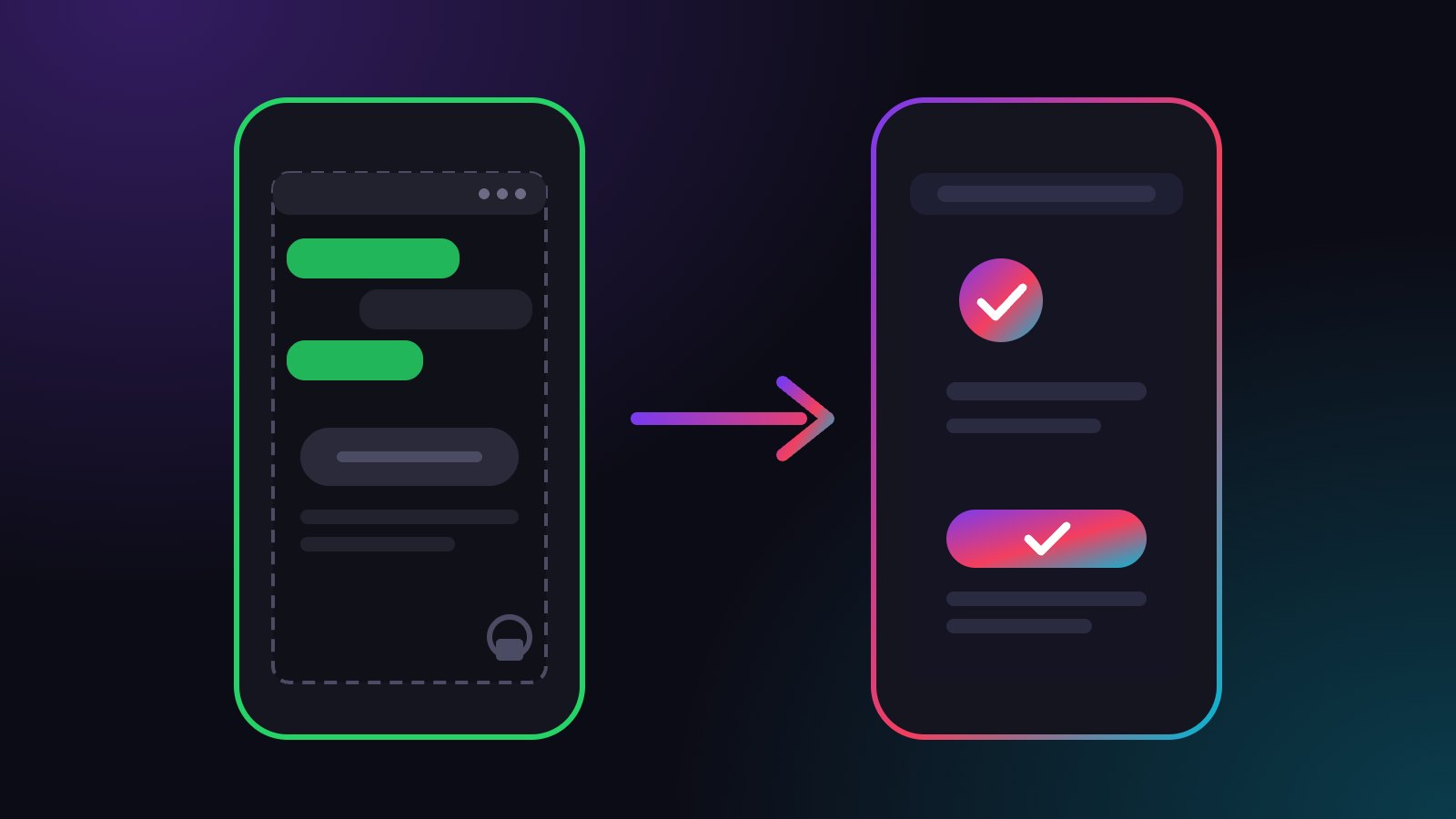
WhatsApp is working on an optional in-app browser for iPhone chats, according to WABetaInfo; it is not released yet. A plugwith.me link tapped in WhatsApp on iPhone already opens the real browser directly, confirmed on a real device.
You share your Ko-fi, your new release or your membership page in a WhatsApp Channel. Fans tap, and where the page opens decides whether they pay or leave. In October 2026, reports about a new WhatsApp in-app browser put that question back on the table. Here is what is known, what it would change for your fans and what you can do about it.
Is WhatsApp getting an in-app browser?
According to MacRumors and 9to5Mac, both citing WABetaInfo, WhatsApp is developing an optional in-app browser for its iPhone app. A new option under Settings and Chats would let users open any link from a chat inside WhatsApp instead of their default browser.
The references were found in a TestFlight build and were not yet available to testers. No release date has been announced.
Does WhatsApp already open links in an in-app browser?
For some business links, yes. Meta's in-app browser for WhatsApp opens links from the call-to-action button of marketing and utility template messages inside the app, according to the documentation of the business-messaging provider Wati. Links in free-form messages and replies keep opening in the phone's default browser.
The new feature would extend this to every link in a chat.
What changes for fans when a link opens inside WhatsApp?
The same things that change in every in-app browser. The page runs in a browser the app controls, with its own cookies. A fan who is logged in everywhere on their phone arrives as a stranger on your page. Saved passwords and autofill are missing, links to apps like Spotify or YouTube often stay on the website, and payment steps can stall.
The capability-by-capability comparison is in in-app browser vs real browser. For tip and membership pages, the effect is covered in why Ko-fi tips stall inside Instagram.
Why does it matter that the browser is optional?
Because you will not know which fan has it switched on. Inside a chat, a tap on your link looks the same for everyone. You cannot change the setting in your fans' apps, and a line like "open in your browser" in your post costs attention and still loses most taps. What you control is the link.
What does a plugwith.me link do in WhatsApp?
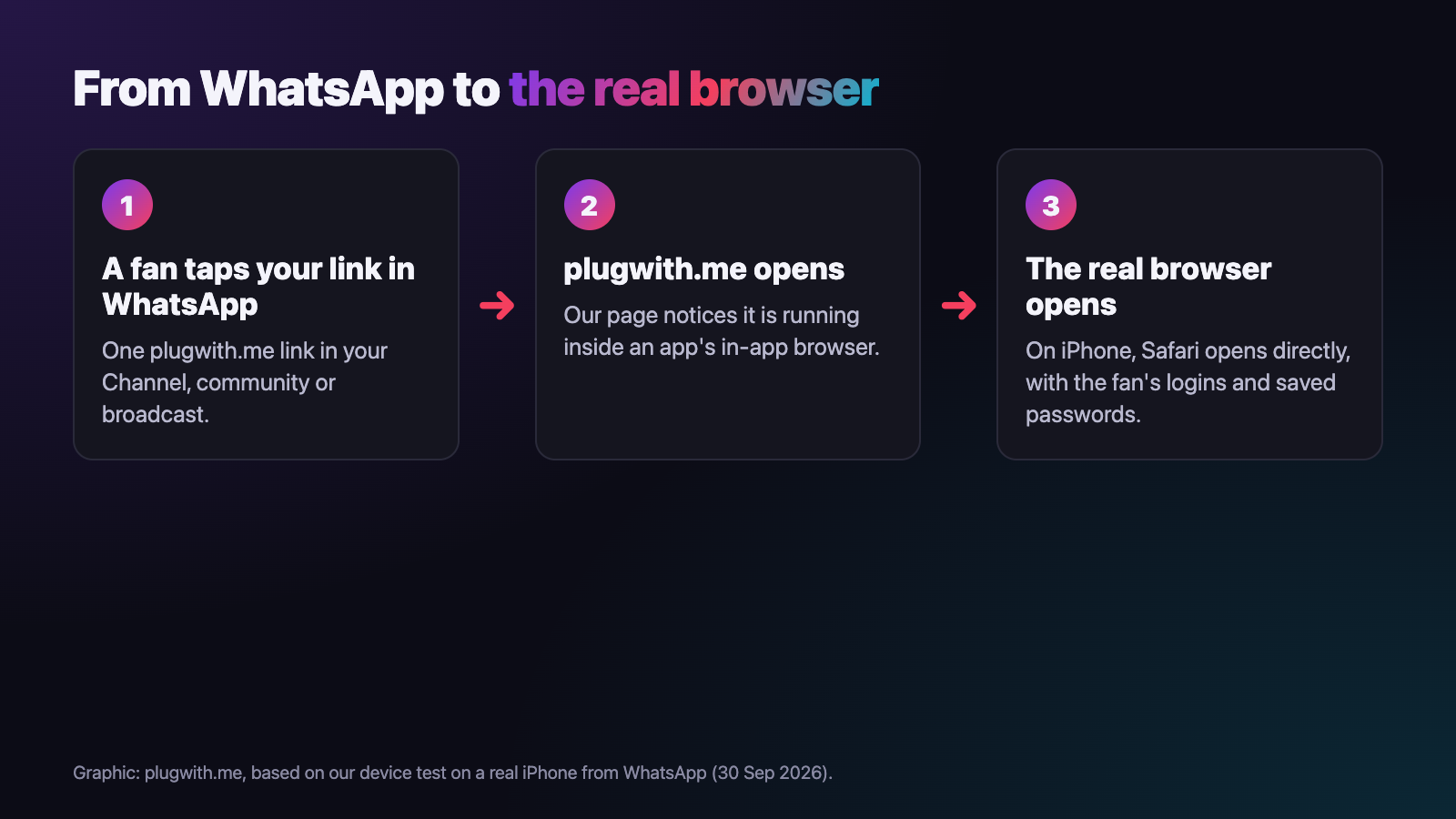
You share one plugwith.me/yourname link instead of the bare URL. On a real iPhone on 30 September 2026, we tapped such a link inside WhatsApp, and Safari opened directly, with no confirmation dialog. The fan lands on your page with their logins and saved passwords back.
- No "open in Safari" instructions in your posts.
- Your destination stays flexible. Change it in your dashboard, and every message that carries the link follows.
- Confirmed on a real iPhone, with no extra tap.
How do I set up my link for WhatsApp?
Create a plugwith.me link with its own slug for WhatsApp, for example plugwith.me/yourname-wa, and put your page behind it. Paste it into your Channel description, your Channel posts and your broadcasts. Because the slug belongs to WhatsApp alone, your dashboard shows separately what this platform sends. Agencies running several creators find the full setup in link tracking per creator and platform.
Does this work on my other channels too?
Yes. On iPhone we have confirmed the route out of the in-app browser on a real device from Instagram, Facebook, Threads and Telegram as well. On Instagram, Meta's own "open outside Instagram" dialog comes first, one tap on Open. Facebook takes two taps: our Continue button, then Facebook's own prompt. From Threads, the visitor lands in Safari with no confirmation step. More in our guide to escaping the in-app browser.
Want to see what your own fans get? Open the free WebView test from a WhatsApp chat. It shows which browser you are really in. Create your free plugwith.me link, no card needed.
Not ready to switch? Get occasional product updates and tips by email: subscribe to the plugwith.me newsletter.
Frequently asked questions
Does WhatsApp have an in-app browser today?
In a limited form, yes. Meta's in-app browser opens links from the call-to-action button of certain business template messages inside WhatsApp. Links in normal chat messages open in the phone's default browser. A browser for all chat links is reported to be in development.
When does the WhatsApp in-app browser for all links arrive?
There is no release date. WABetaInfo found references in an iOS TestFlight build, and the feature was not yet available to testers when MacRumors and 9to5Mac reported on it in October 2026.
Will every WhatsApp user get it?
According to the report, it is optional: users switch it on under Settings and Chats and can return to their default browser at any time. As a creator you cannot see or change that setting for your fans.
How do my fans open a link in Safari from an in-app browser themselves?
Through the three-dot menu of the in-app browser, which offers to open the page in the default browser. Few fans know the menu exists, so most stay where they are.
Should I use the same link in WhatsApp and on Instagram?
Use one plugwith.me link per platform, each with its own slug. Both can point to the same destination, and your dashboard shows separately how many fans each platform sends.
Get Instagram taps out of the in-app browser.
Made for WhatsApp · In-App Browser. From Instagram, one plugwith.me link leaves the in-app browser and opens your fan's real browser, with one tap on Instagram's own confirmation.
Create your free link →Keep reading
- Why Your Spotify Link Won't Open the App from Instagram (and the Fix)
- Whatnot & TikTok Shop Checkouts Fail Inside Instagram — Here's the Fix
- What Is a Deeplink? Universal Links, App Links and URI Schemes Explained
- The complete guide to escaping in-app browsers
- Test your own link inside an in-app browser