Meta Pixel on Your Link in Bio: How the Consent Banner Works
Short answer
Yes. With plugwith.me you add a Meta, Google, TikTok or Snap pixel in Settings, on the Agency plan. The pixel ships inert: nothing loads until the visitor chooses. A consent banner appears on that link's pages, Accept loads the pixels, and Reject does not.
Retargeting needs a pixel on the page your fans land on. For a link in bio, that page is the link itself. With plugwith.me you can add a Meta, Google, TikTok or Snap pixel to your links, and the pixel only runs after the visitor says yes. This is how that works, step by step.
Can you add a Meta pixel to a link in bio?
Yes. Pixels are configured under Settings and are part of the Agency plan. You can add a Meta, Google, TikTok or Snap pixel. They are your tools, running on your legal basis, which is why turning one on changes what your visitors see: a consent banner appears.
What does the visitor see?
- The pixel ships inert. Nothing is loaded and no request leaves the visitor's browser until they make a choice.
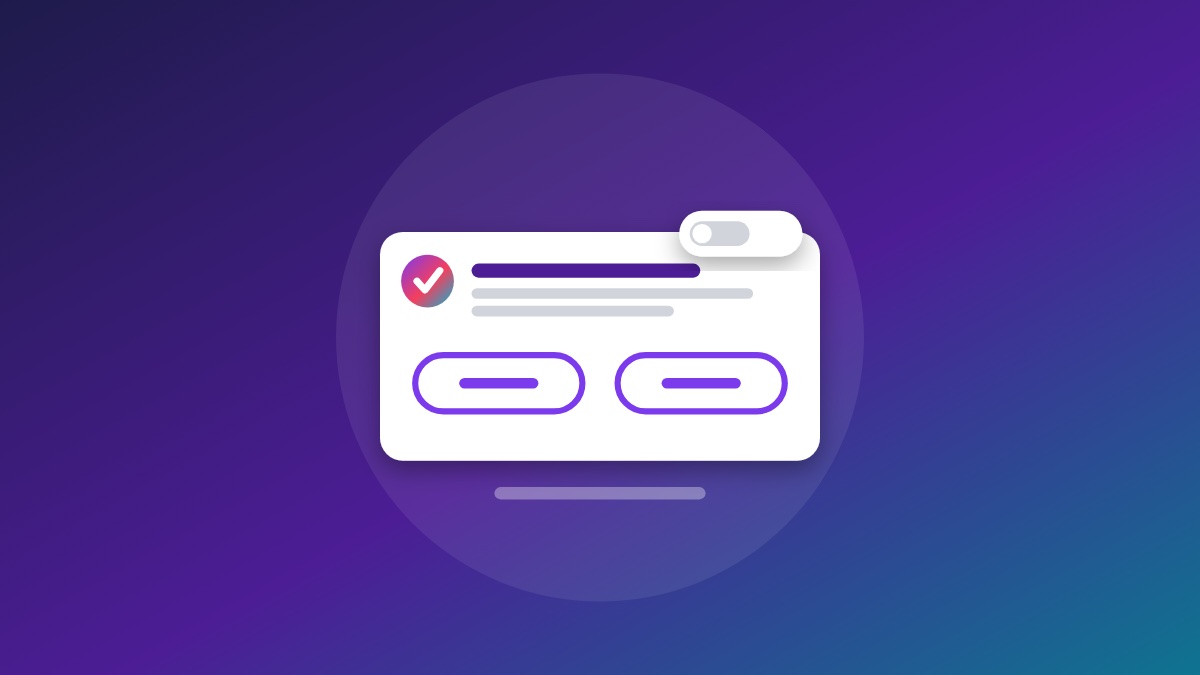
- A consent banner appears on that link's pages. Accept loads the pixels. Reject does not, and nothing is retried.
- A direct link waits for the answer before forwarding, so the question is actually asked.
Why do Accept and Reject look the same?
On purpose. A prominent Accept next to a faint Reject is a pattern EU regulators treat as invalid consent. Both buttons look identical, so the visitor's answer is a real answer and the numbers you collect rest on it. Whether and how you need consent for your own audience depends on your situation and your legal basis, so ask your own adviser if you are unsure.
How do you set it up?
- Open Settings in your dashboard and add the pixel you use: Meta, Google, TikTok or Snap.
- Open your link on a phone. You should see the consent banner before anything else loads.
- Test both answers. Press Accept and check the pixel in the diagnostics of the ad platform. Then open the link again, press Reject, and check that nothing arrives.
- Judge the numbers by the people who said yes. Retargeting audiences are built from them. Visitors who rejected are not in them.
Do you need a pixel at all?
If you do not need retargeting, leave pixels off. A link with no pixel configured emits no banner, no script and no privacy footer at all, which makes it the faster and cleaner page. You still get click numbers: plugwith.me counts per link the clicks, the country, and a coarse device split. It stores a slug, a timestamp, a coarse device and browser class and a country code. It stores no IP address, no raw user agent and no cookie, and that is what lets link pages run without a consent banner unless you add marketing pixels of your own.
Can you combine pixels with a split test?
Yes, they are separate settings on the same link. A link can split visits between two destinations while the banner asks about the pixel. If you manage several creators, one link per model and platform shows you which place sends the traffic. Read the pixels and consent guide for the reference version.
Where does plugwith.me fit?
It gives you one link for your bio with an exit from the in-app browser on iPhone, visits counted per link, and on the Agency plan pixels with a consent banner that asks before anything loads. Start with a free link and upgrade when you need pixels. Create your free plugwith.me link.
Not ready to switch? Get occasional product updates and tips by email: subscribe to the plugwith.me newsletter.
Frequently asked questions
Can I put a Meta pixel on my link in bio?
Yes. Pixels are set up under Settings and are part of the Agency plan. You can add a Meta, Google, TikTok or Snap pixel.
Does the pixel fire before the visitor agrees?
No. The pixel ships inert. Nothing is loaded and no request leaves the visitor's browser until they make a choice.
What happens if the visitor presses Reject?
The pixels are not loaded, and nothing is retried.
Why do the Accept and Reject buttons look the same?
On purpose. A prominent Accept next to a faint Reject is a pattern EU regulators treat as invalid consent.
Do I need a consent banner if I use no pixel?
A link with no pixel configured shows no banner, loads no script and shows no privacy footer. The click statistics store a slug, a timestamp, a coarse device and browser class and a country code, with no IP address, raw user agent or cookie.
Get Instagram taps out of the in-app browser.
Made for Link in Bio · Pixels. From Instagram, one plugwith.me link leaves the in-app browser and opens your fan's real browser, with one tap on Instagram's own confirmation.
Create your free link →Keep reading
- Why Your Spotify Link Won't Open the App from Instagram (and the Fix)
- Whatnot & TikTok Shop Checkouts Fail Inside Instagram — Here's the Fix
- What Is a Deeplink? Universal Links, App Links and URI Schemes Explained
- The complete guide to escaping in-app browsers
- Test your own link inside an in-app browser