A/B Test Your Link in Bio: Let Your Visitors Pick the Winner
Short answer
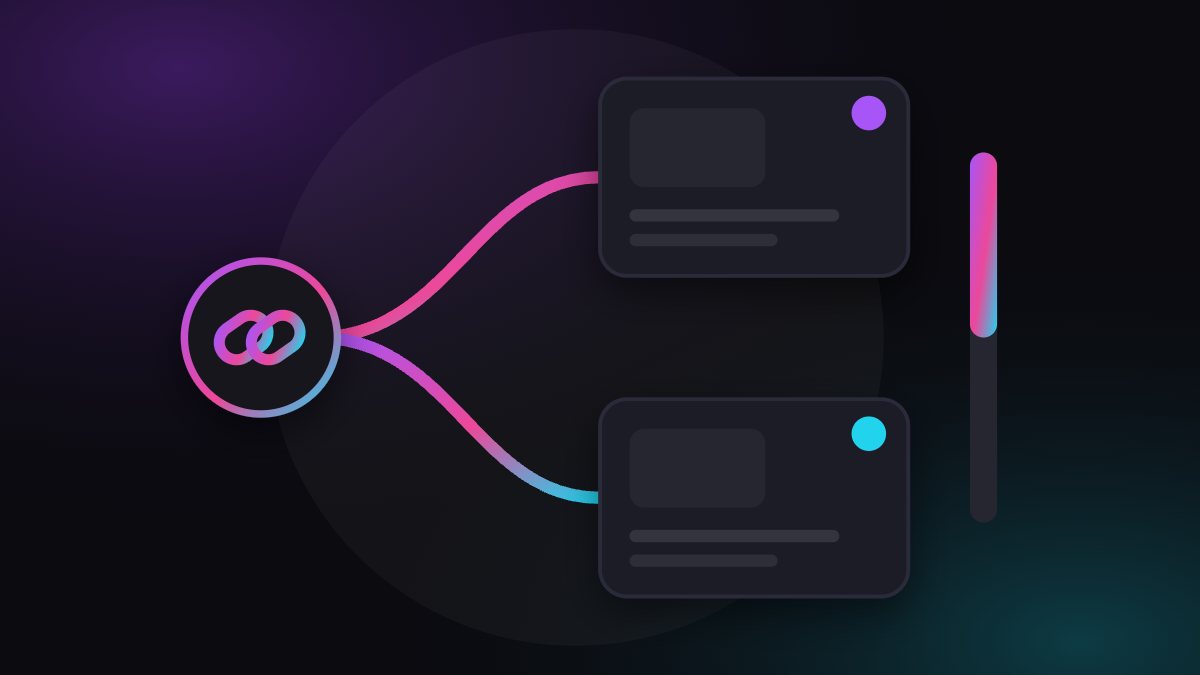
To A/B test a link in bio, give one link two destinations and set how much traffic each gets, for example 50/50. Both versions run at the same time, so the comparison is fair. In plugwith.me you add a second URL under Destination URLs (Split Testing), and the dashboard shows the visits per destination.
Most creators choose their link destination by gut feeling and then never find out whether the other option would have done better. One link can send visitors to two pages at the same time. Then the visitors answer the question, not your opinion.
What is an A/B test for a link in bio?
It is one link with two destinations. Each visitor is sent to one of them, according to percentages you set. You compare what each destination achieves on its own side: sign-ups, purchases, replies. The point of running both at once is fairness: both versions get the same audience, the same reels and the same days of the week.
Why not just swap the link and compare weeks?
Because week one and week two are never the same. A reel takes off, a holiday starts, an algorithm changes its mind. If page A runs this week and page B next week, you compare two audiences and call it a result. A split test removes that excuse. It's my opinion, but it is the main reason to do it this way.
What can you test with a link in bio?
- Two offers: a free sample against the paid product, or a monthly against a yearly option.
- Two pages for the same offer: a short page against a long one, a different first sentence, a different button.
- Page against direct checkout: does a visitor need your explanation, or only the buy button?
- Two platforms' checkouts: if you sell on two different services, see where your audience finishes more often.
Change one thing per test. If page B has a new headline, a new price and a new image, you will know B won but not why.
How do you set up a split test in plugwith.me?
- Open your link in the dashboard and choose Edit.
- Under Destination URLs (Split Testing), click + Add URL and paste the second page.
- Set the weights, for example 50 and 50. They must add up to exactly 100 percent.
- Save. The link you already have in your bio now splits visitors between the two pages. You don't touch your bio.
If you manage several creators, set the test up on one creator's link first. How agencies track per model and platform shows how to keep results apart.
How do you read the result?
The dashboard shows a split test table for the link: for each destination the visits and the share. So you know how many people each page got. What they did afterwards happens on your page, in your shop or in your payment tool, and that is where you look for sign-ups or sales per page. Put both numbers side by side and you have your comparison.
Three rules I would follow, all opinion rather than measurement:
- Decide before you start what counts as a win: sign-ups, sales, or something else.
- Don't call a winner after a handful of visits. A few taps can swing either way by chance. Let both pages collect a decent number first; what is decent depends on how many people you reach.
- Run one test at a time per link, and write down what you changed.
Does a split test choose by platform?
No. Several destinations on one link are picked by random weighting. That is what makes it a fair test, and it is also why it is no switch by app. If Instagram visitors should land on one page and TikTok visitors on another, give each platform its own link with its own slug, for example plugwith.me/yourname-ig and plugwith.me/yourname-tt. Each link is counted separately, so you also see which platform sends more.
Does the test still work when visitors come from Instagram or Facebook?
It does, and it matters that both versions reach visitors under the same conditions. An in-app browser can strip logins and saved payment methods from the page, which would distort your comparison. A plugwith.me link takes visitors from Instagram and Facebook on iPhone into the real browser first, so both versions meet visitors the same way. On Instagram the visitor confirms Meta's own dialog with one tap; on Facebook it takes two steps. The background is in in-app browser vs real browser.
Where should you start?
Pick the link that gets the most taps and one thing you have always wondered about. Add the second page, set 50/50, and leave it alone for a while. Create your free plugwith.me link, no card needed.
Not ready to switch? Get occasional product updates and tips by email: subscribe to the plugwith.me newsletter.
Frequently asked questions
What is an A/B test for a link in bio?
One link, two destinations. Visitors are sent to one or the other by the percentages you set, and you compare which destination does better on its own side, for example more sign-ups or more sales.
How do I split traffic between two pages with plugwith.me?
Open the link in your dashboard, add a second URL under Destination URLs (Split Testing) and set the weights. They must add up to 100 percent. Save, and the same link now sends visitors to both pages by those weights.
Does the dashboard tell me which page sells more?
It shows a split test table with the visits and the share per destination. What a visitor does after landing happens on your own page or shop, so compare sign-ups or sales there.
Can I send Instagram visitors to one page and TikTok visitors to another?
Not with a split. Several destinations on one link are picked by random weighting, not by platform. For a platform-specific destination, create a separate link with its own slug, for example yourname-tt.
What should I test first?
One change at a time. Two checkout pages, a free sample against a direct offer, or a short page against a long one. Decide in advance what counts as a win.
Get Instagram taps out of the in-app browser.
Made for Link in Bio · Split Test. From Instagram, one plugwith.me link leaves the in-app browser and opens your fan's real browser, with one tap on Instagram's own confirmation.
Create your free link →Keep reading
- Why Your Spotify Link Won't Open the App from Instagram (and the Fix)
- Whatnot & TikTok Shop Checkouts Fail Inside Instagram — Here's the Fix
- What Is a Deeplink? Universal Links, App Links and URI Schemes Explained
- The complete guide to escaping in-app browsers
- Test your own link inside an in-app browser