Stop Sharing One Password: Give Each Team Member Their Own Login
Short answer
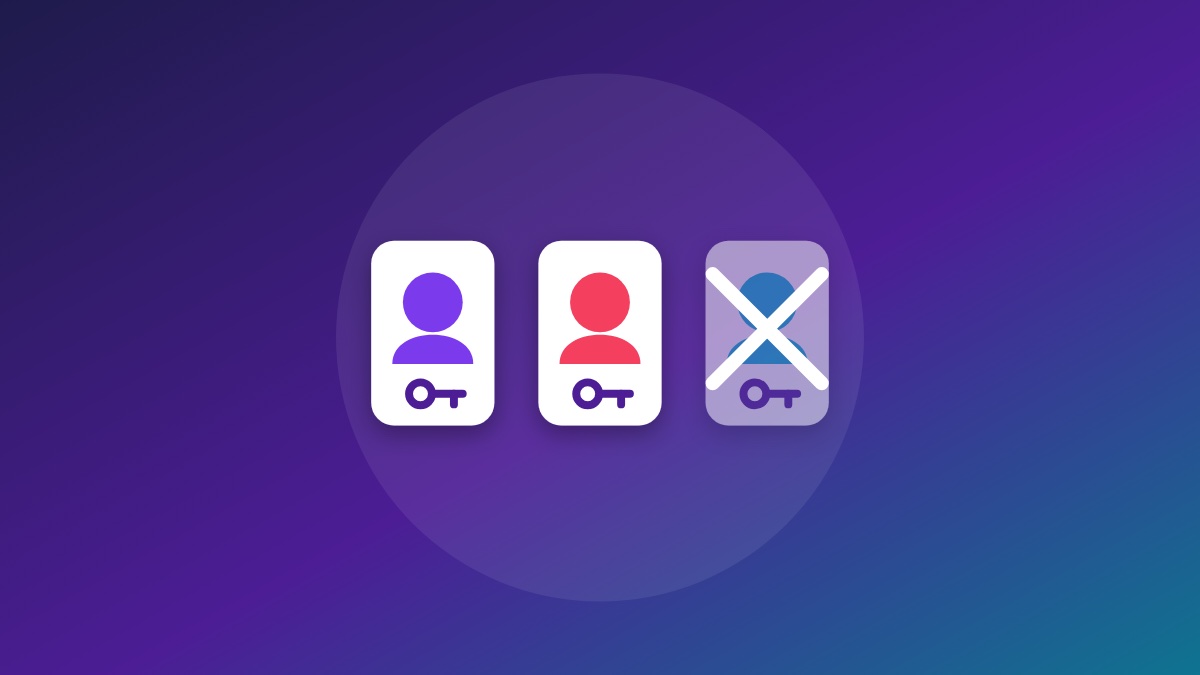
Give each person their own login instead of one shared password. In plugwith.me, Agency and Business accounts create logins under Employees with one of three roles, Manager, Staff or Viewer, and can suspend or remove any one of them. Both take effect on the very next request, so one person leaving does not mean changing the password for everyone.
Most small agencies start with one login that everybody knows. It works until the first person leaves. Then the only way to lock them out is to change the password for the whole team, and nobody can tell who changed what. Per-person logins are the boring fix, and they take minutes to set up.
Why is one shared password a problem?
Two reasons. You cannot remove one person without disturbing everyone else, and a shared login makes every change anonymous. When several people work the same set of links for several creators, that is exactly the setup that goes wrong at the worst moment, for example when a freelancer finishes on a Friday and a link breaks on Saturday.
Which plans include team logins?
Agency and up. Agency includes 5 seats for people besides the owner, Business 25. Each person gets their own email and password under Employees in the dashboard.
What can each role do?
- Manager: everything except employees, billing and account settings.
- Staff: create and edit links and creators, with no settings and no billing.
- Viewer: read-only, including analytics. A good fit for a client or a creator who wants to see the numbers but not touch anything.
How do you add someone?
- Open Employees and create a login for the person.
- Set their email and a password of at least 10 characters, and pass it on. There is no invitation email.
- They sign in at the normal login page and land in your account, not one of their own.
What happens when someone leaves?
You have two buttons. Suspend keeps the person and the seat but blocks access, for example while a freelancer is between jobs. Remove deletes the login outright. Both take effect on the very next request, not at the next login, so a session that is already open stops working. Nobody else has to change a thing.
What if you move to a lower plan?
Dropping below Agency suspends team access but deletes nobody. Upgrade again and the whole team is back without re-inviting anyone.
Should the owner login have two-factor?
It is optional and off by default, and it is worth switching on if your account earns money, because a leaked password on its own is then no longer enough. Everything about your own sign-in is behind your name at the bottom of the sidebar. The login and two-factor guide has the steps, and the team logins guide is the reference for this article.
Where does plugwith.me fit?
If you run links for several creators, one link per model and platform shows where traffic comes from, and team logins let the people doing the work have their own access to it. Start with a free link and move to Agency when your team grows. Create your free plugwith.me link.
Not ready to switch? Get occasional product updates and tips by email: subscribe to the plugwith.me newsletter.
Frequently asked questions
Why is sharing one login for a team a bad idea?
You cannot revoke one person without changing the password for everyone, and nothing tells you who did what. Per-person logins fix both.
Which plans include team logins?
Agency and up. Agency includes 5 seats, Business 25.
What can each role do?
Manager can do everything except employees, billing and account settings. Staff can create and edit links and creators but has no settings and no billing. Viewer is read-only, including analytics.
How fast does suspending or removing someone take effect?
On the very next request, not at the next login. Suspend keeps the person and the seat but blocks access. Remove deletes the login outright.
What happens to the team if I drop to a lower plan?
Team access is suspended but nobody is deleted. Upgrade again and the whole team is back without re-inviting anyone.
Get Instagram taps out of the in-app browser.
Made for Agencies · Team logins. From Instagram, one plugwith.me link leaves the in-app browser and opens your fan's real browser, with one tap on Instagram's own confirmation.
Create your free link →Keep reading
- Why Your Spotify Link Won't Open the App from Instagram (and the Fix)
- Whatnot & TikTok Shop Checkouts Fail Inside Instagram — Here's the Fix
- What Is a Deeplink? Universal Links, App Links and URI Schemes Explained
- The complete guide to escaping in-app browsers
- Test your own link inside an in-app browser