Discord Invite Link in Instagram Bio Not Opening the App? Here's the Fix
Short answer
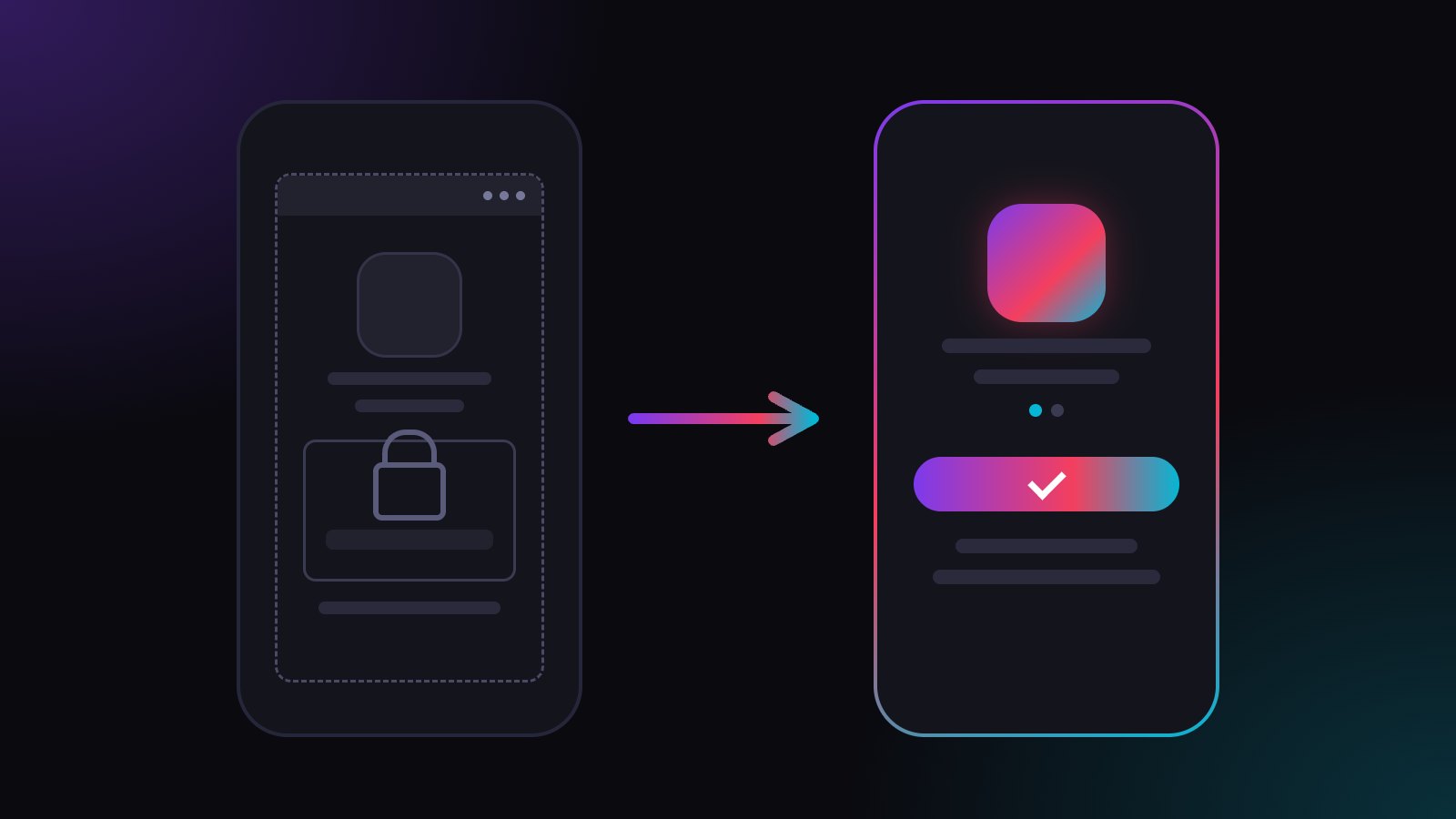
Instagram opens your Discord invite in its own in-app browser, so fans get Discord's website, signed out, instead of the Discord app. With a plugwith.me link, one tap on Meta's dialog opens the Discord app straight from Instagram on iPhone, right on the invite to your server.
You tell your followers there is a Discord for the real fans, the link sits in your bio, and the taps come in. The member count barely moves. Many of those fans never saw your invite in the Discord app. They landed on Discord's website inside Instagram, signed out, looked at a login screen and went back to scrolling. Here is why that happens and how to get them into the app.
Why doesn't my Discord invite open the Discord app from Instagram?
Instagram does not hand your link to Safari or the Discord app. It opens it in its own in-app browser, and that browser loads the invite page itself. So instead of the Discord app, your fan gets Discord's website inside Instagram.
Your invite is fine. The in-app browser around it is what gets in the way.
Why do fans have to log in before they can join?
The in-app browser keeps its own cookies, separate from Safari and from the Discord app. A fan who is in Discord every day still arrives there as a stranger. Joining your server starts with a login, and almost nobody types a password and a two-factor code in the middle of a scroll.
That is where your new members get lost: they wanted in, and the first thing they see is a sign-in form. The full list of what else breaks is in in-app browser vs real browser.
Why does my Discord link stop working after a week?
That one is Discord, not Instagram. A new invite comes with a 7-day lifetime by default. When you create it, tap Edit invite link, set how long it stays valid and set Max number of uses to No limit, tap Generate a New Link and copy it. Discord explains the settings in its Invites 101 guide.
Does "open in browser" in the menu fix it?
Only for the few fans who do it. The option sits behind the three dots in the top corner, and a line like "tap ⋯ and open in browser" in your bio costs space and still loses most taps.
How do I open my Discord invite in the app from Instagram?
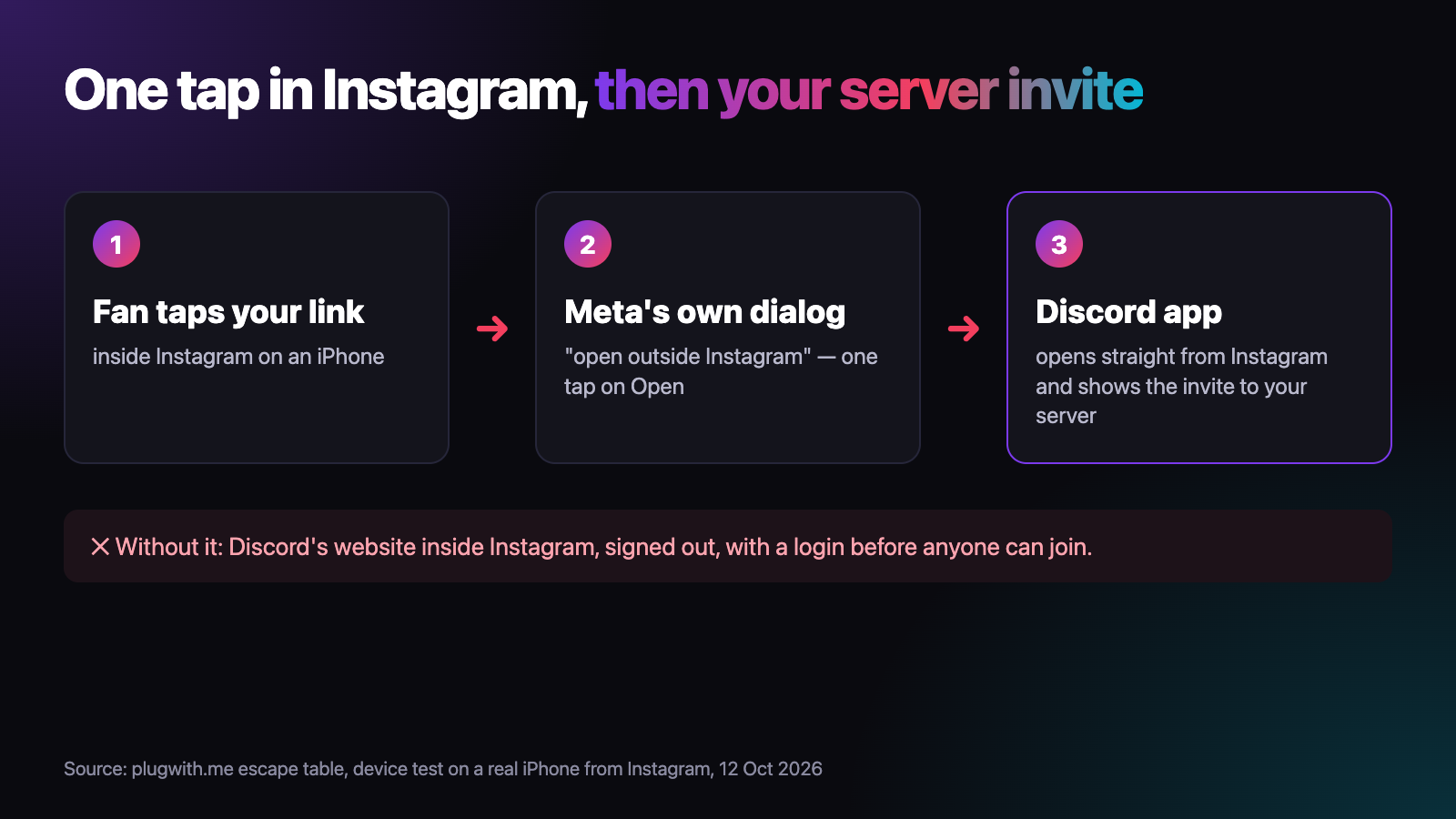
Use a link that gets your fans out of the in-app browser. That is what a plugwith.me link does. You put one plugwith.me/yourname link in your bio or story, with your discord.gg invite as the destination. When a fan taps it inside Instagram on an iPhone, Meta's own "open outside Instagram" dialog appears. One tap on "Open", and the Discord app opens straight from Instagram, right on the invite to your server. No signed-out website, no detour through Safari.
- One link for every invite. When you create a new invite, change the destination in your dashboard and keep the bio as it is.
- No "open in browser" instructions in your bio.
- On iPhone, one tap on Meta's dialog opens the Discord app straight from Instagram, right on your server invite.
Does this work for my other links too?
Yes. The same tap opens Spotify, YouTube, Twitch and Kick in their apps on iPhone. If you stream, read why Twitch links do not open the app from Instagram; for videos, the YouTube version of this problem. Beyond Instagram, we have confirmed the route out of the in-app browser on a real iPhone from Facebook, WhatsApp, Threads and Telegram. More in our guide to escaping the in-app browser.
Want to see the problem on your own phone first? Open the free WebView test from your Instagram bio. It shows which browser you are really in. Create your free plugwith.me link, no card needed.
Not ready to switch? Get occasional product updates and tips by email: subscribe to the plugwith.me newsletter.
Frequently asked questions
Why does my Discord invite open the website instead of the app?
Because it was tapped inside Instagram. Instagram does not pass the link to Safari or the Discord app; its in-app browser loads the invite page itself, so the Discord app never sees it.
Why do fans have to log in before they can join?
The in-app browser keeps its own cookies, separate from Safari and from the Discord app. A fan who uses Discord every day still arrives signed out, so joining starts with a login screen.
Why does my Discord link in bio stop working after a week?
Discord invites are created with a 7-day lifetime by default. Under Edit invite link you can change how long the invite stays valid and how many times it can be used, then generate a new link and copy it.
Can I swap the invite without changing my bio?
Yes. Your bio keeps the same plugwith.me link, and you only change its destination in your dashboard when you create a new invite.
Can I send Instagram and TikTok followers to different channels?
Yes. Give each bio its own plugwith.me link with its own slug and its own invite as the destination.
Get Instagram taps out of the in-app browser.
Made for Discord × Instagram. From Instagram, one plugwith.me link leaves the in-app browser and opens your fan's real browser, with one tap on Instagram's own confirmation.
Create your free link →Keep reading
- Why Your Spotify Link Won't Open the App from Instagram (and the Fix)
- Whatnot & TikTok Shop Checkouts Fail Inside Instagram — Here's the Fix
- What Is a Deeplink? Universal Links, App Links and URI Schemes Explained
- The complete guide to escaping in-app browsers
- Test your own link inside an in-app browser