YouTube Link in Instagram Bio Not Opening the App? Here's the Fix
Short answer
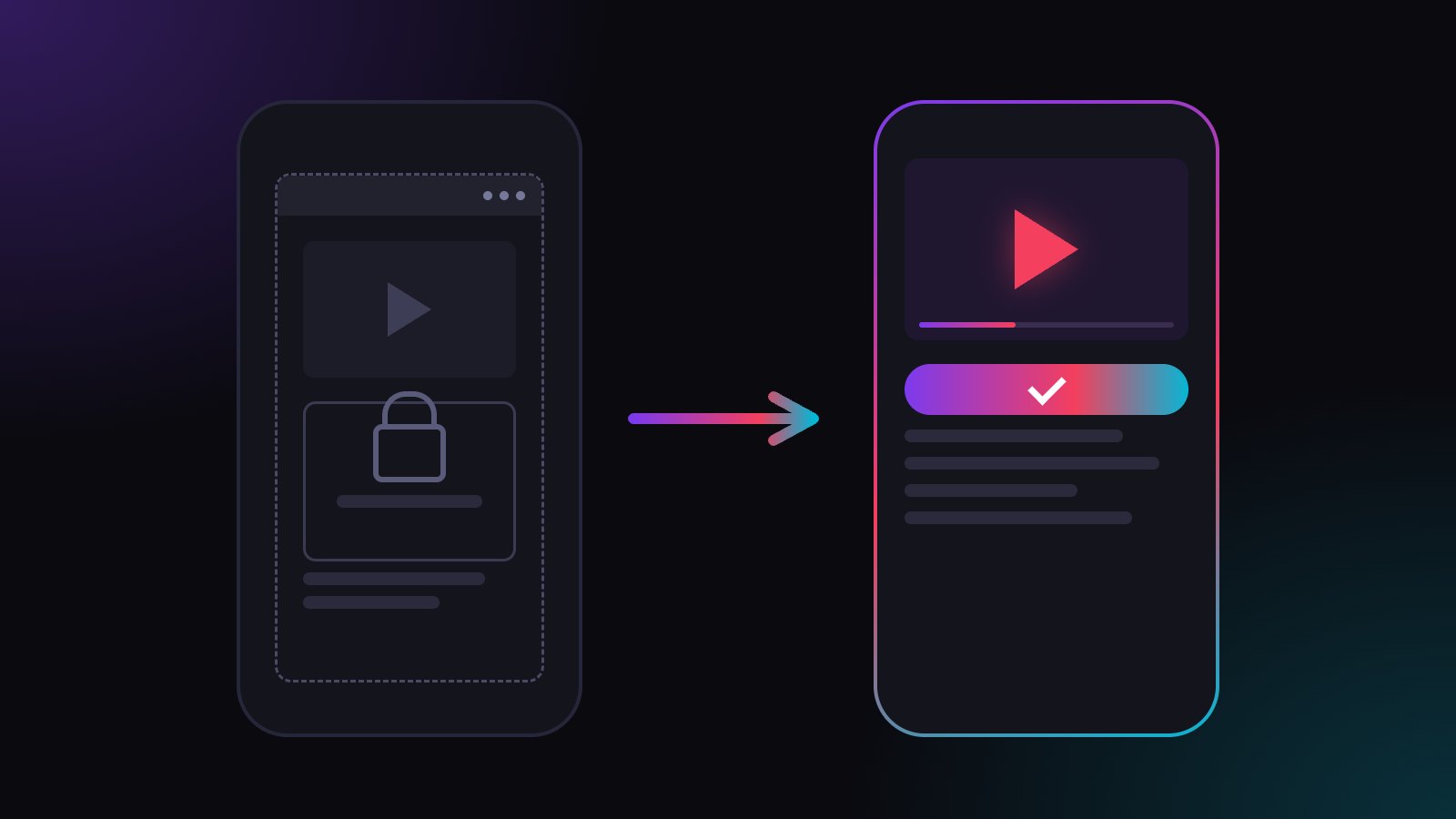
Instagram opens your YouTube link in its own in-app browser, so fans get the YouTube website, signed out, instead of the YouTube app. With a plugwith.me link, one tap on Meta's dialog opens the YouTube app straight from Instagram on iPhone, right on the video you linked.
You post a Reel, point people to the new video in your bio, and the taps come in. But the views and subscribers barely move. Many of those fans never reached your video in the YouTube app. They landed on the YouTube website inside Instagram, signed out, and scrolled on. Here is why that happens and how to get them into the app.
Why doesn't my YouTube link open the YouTube app from Instagram?
Instagram does not hand your link to Safari, Chrome or the YouTube app. It opens it in its own in-app browser, and that browser loads youtube.com itself. So instead of the YouTube app, your viewer gets the mobile website inside Instagram.
Your link is fine. The in-app browser around it is what gets in the way.
Why can't viewers subscribe, like or comment?
The in-app browser keeps its own cookies, separate from Safari and from the YouTube app. A viewer who is signed in to YouTube on their phone still arrives as a stranger. Subscribing, liking and commenting all start with a sign-in screen, and almost nobody types a password in the middle of a scroll.
That is the expensive part. The subscribe button is the reason you send people to YouTube at all, and in the in-app browser it sits behind a login. The full list of what else breaks is in in-app browser vs real browser.
Does "open in browser" in the menu fix it?
Only for the few viewers who do it. The option sits behind the three dots in the top corner, and a line like "tap ⋯ and open in browser" in your bio costs space and still loses most taps.
How do I open my YouTube video in the app from Instagram?
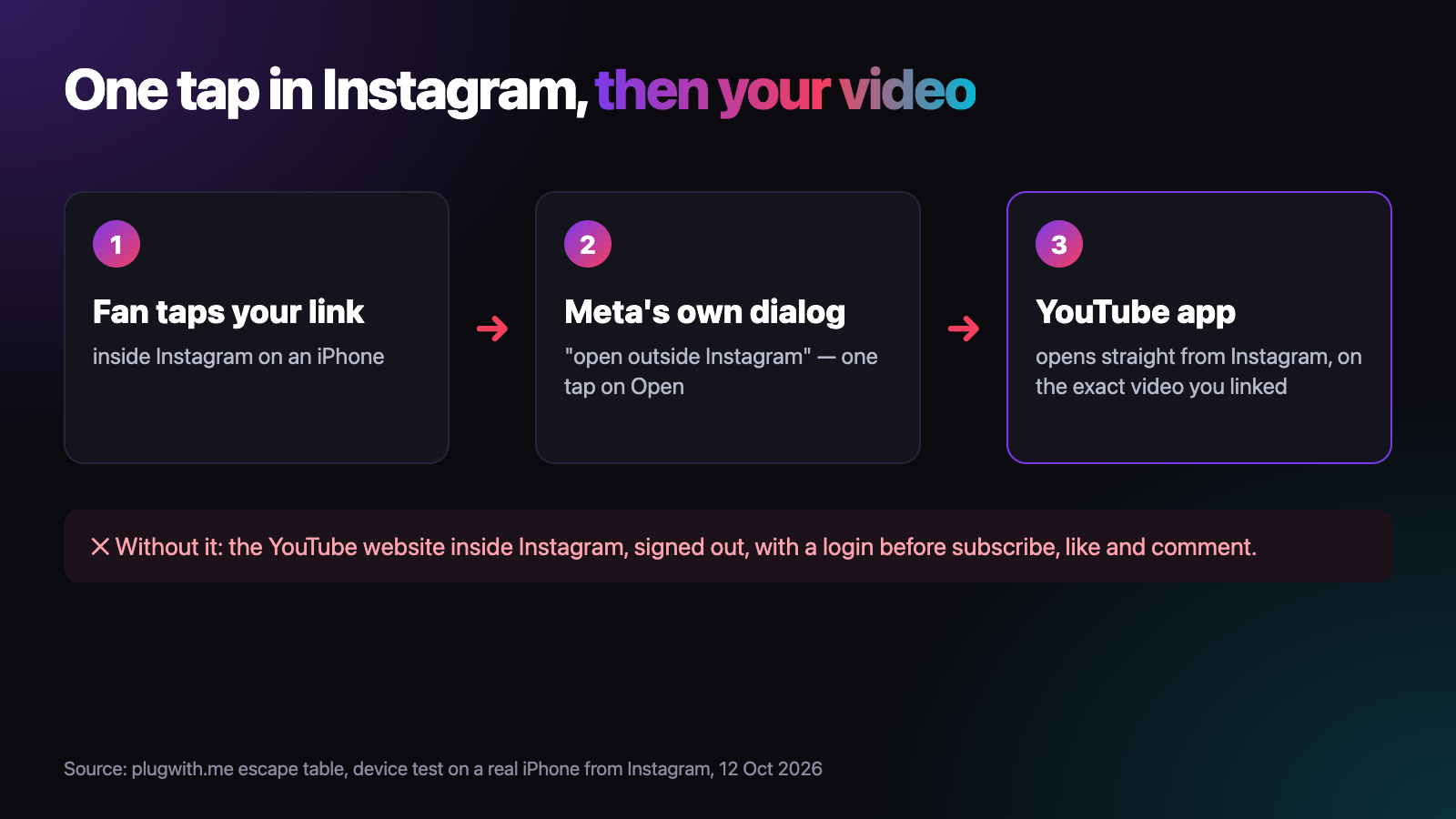
Use a link that gets your viewers out of the in-app browser. That is what a plugwith.me link does. You put one plugwith.me/yourname link in your bio or story, with your YouTube video as the destination. When a viewer taps it inside Instagram on an iPhone, Meta's own "open outside Instagram" dialog appears. One tap on "Open", and the YouTube app opens straight from Instagram, right on the video you linked. No signed-out website, no detour through Safari.
- One link for every upload. When a new video goes live, change the destination in your dashboard and keep the bio as it is.
- No "open in browser" instructions in your bio.
- On iPhone, one tap on Meta's dialog opens the YouTube app straight from Instagram, right on your video.
Does this work for my other links too?
Yes. The same tap opens Spotify, Twitch, Kick and Discord in their apps on iPhone. If you stream as well, read why Twitch links do not open the app from Instagram; for music, the Spotify version of this problem. Beyond Instagram, we have confirmed the route out of the in-app browser on a real iPhone from Facebook, WhatsApp, Threads and Telegram. More in our guide to escaping the in-app browser.
Want to see the problem on your own phone first? Open the free WebView test from your Instagram bio. It shows which browser you are really in. Create your free plugwith.me link, no card needed.
Not ready to switch? Get the free Bio Link Rescue Kit — a 5-minute checklist to test your link inside Instagram, TikTok and YouTube: plugwith.me/#newsletter
Frequently asked questions
Why does my YouTube link open the website instead of the app?
Because it was tapped inside Instagram. Instagram does not pass the link to Safari or Chrome; its in-app browser loads youtube.com itself, so the YouTube app never gets the link.
Why can't viewers subscribe or comment when they arrive?
The in-app browser keeps its own cookies, separate from Safari and from the YouTube app. A viewer who is signed in to YouTube everywhere else arrives signed out, so subscribing, liking and commenting all start with a login.
Does a different YouTube URL fix it?
No. Whichever YouTube URL you paste, Instagram opens it in the same in-app browser. The problem is where the link is tapped, not which URL you use.
Can I link a new video without changing my bio?
Yes. Your bio keeps the same plugwith.me link, and you only change its destination in your dashboard when a new video goes up.
How do I send viewers from different platforms to different videos?
Give each bio its own plugwith.me link. Create a second link with its own slug and destination, and put that one in the other bio.
Get Instagram taps out of the in-app browser.
Made for YouTube × Instagram. From Instagram, one plugwith.me link leaves the in-app browser and opens your fan's real browser, with one tap on Instagram's own confirmation.
Create your free link →Keep reading
- Why Your Spotify Link Won't Open the App from Instagram (and the Fix)
- Whatnot & TikTok Shop Checkouts Fail Inside Instagram — Here's the Fix
- What Is a Deeplink? Universal Links, App Links and URI Schemes Explained
- The complete guide to escaping in-app browsers
- Test your own link inside an in-app browser